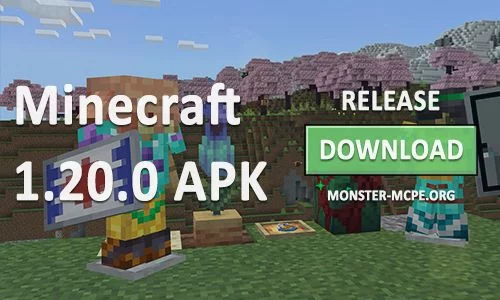
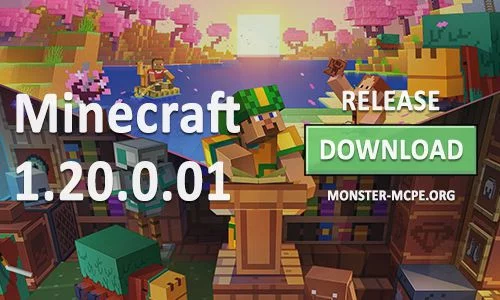
Players already have access to the full version of Minecraft PE 1.20.0.01 for downloading on Android devices. There is a lot of new content in this release, including archeology features, mobs, items, and other innovations from previous test versions.
What can be seen in the update?
Everything that users have previously seen in test updates, the creators of the game have transferred to the full version. Let's remind you a little.
• Camel
• A mount capable of carrying up to two players.
• Can jump and gain speed.
• Sniffer
• A dinosaur that feeds on new plants and seeds.
• The first stage of development is the egg.
• Archeology
• Brush search tool.
• Suspicious blocks.
• Structure Sparse Trail Ruins.
• You can find clay shards from which the Ancient Pot is assembled.
• Biome Cherry Grove
• New Sakura trees grow here.
• You can create new items using pink leaves and wood.
• New Bamboo items have become available.
• New version of Hanging signs.
• Now players can make unique armor and shields by decorating with patterns.
• New version Carved bookshelf.
• In some locations you can hear new music.
• Added option Calibrated Sculk Sensor.
• You can now complete new achievements during gameplay.
Innovations
All changes are also already familiar to you from beta. Here's the most important thing:
• New workplace - Blacksmith's table.
• There is a template slot for editing armor that can be upgraded to Netherite.
• The server menu and the main menu have been updated.
Fixes
• Improved game loading speed, now you need to wait less.
• Improved stability.
• Local servers work without errors.
• Corrected all vibrations.
Technical update
There are many points in this section that improve the work of add-on developers.
What can be seen in the update?
Everything that users have previously seen in test updates, the creators of the game have transferred to the full version. Let's remind you a little.
• Camel
• A mount capable of carrying up to two players.
• Can jump and gain speed.
• Sniffer
• A dinosaur that feeds on new plants and seeds.
• The first stage of development is the egg.
• Archeology
• Brush search tool.
• Suspicious blocks.
• Structure Sparse Trail Ruins.
• You can find clay shards from which the Ancient Pot is assembled.
• Biome Cherry Grove
• New Sakura trees grow here.
• You can create new items using pink leaves and wood.
• New Bamboo items have become available.
• New version of Hanging signs.
• Now players can make unique armor and shields by decorating with patterns.
• New version Carved bookshelf.
• In some locations you can hear new music.
• Added option Calibrated Sculk Sensor.
• You can now complete new achievements during gameplay.
Innovations
All changes are also already familiar to you from beta. Here's the most important thing:
• New workplace - Blacksmith's table.
• There is a template slot for editing armor that can be upgraded to Netherite.
• The server menu and the main menu have been updated.
Fixes
• Improved game loading speed, now you need to wait less.
• Improved stability.
• Local servers work without errors.
• Corrected all vibrations.
Technical update
There are many points in this section that improve the work of add-on developers.