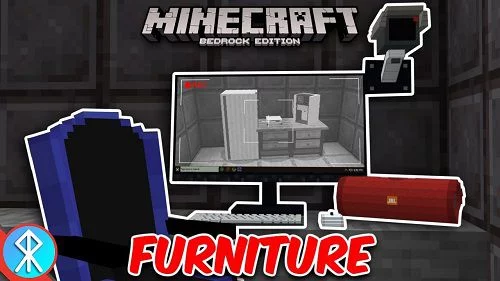
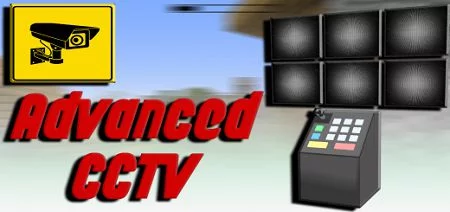
Instructions on how to install video cameras:
First you need to craft items (cameras and controller).
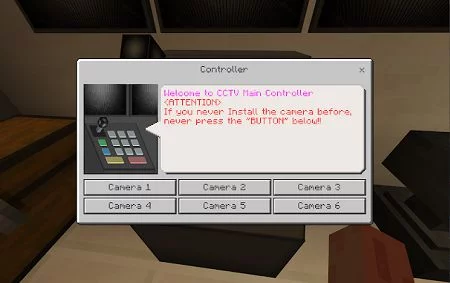
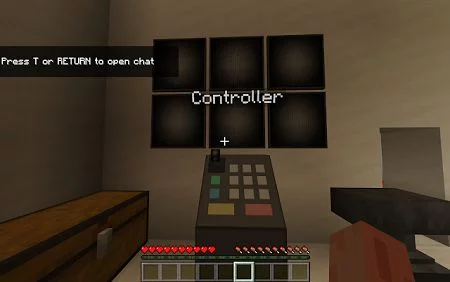
Then decide on the locations where you want the cameras to be. Place the controller there. Please note that cameras are not needed yet.
In case you need to remove the installation, just type "/kill @e[type=tv:cctv_main_control]" in the command bar.
Once the control center is in place, you can go ahead and place the cameras within a hundred-block radius of the control room.
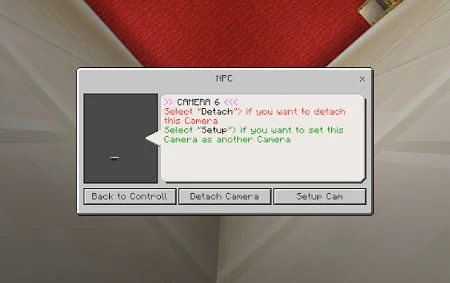
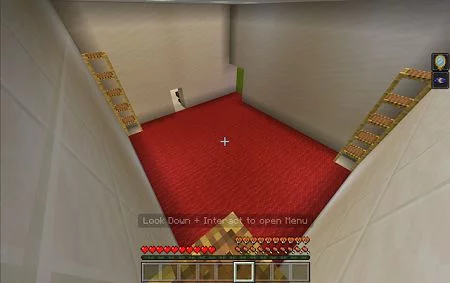
As soon as you approach the subject of video surveillance, interact with them until the RIDE button appears. After that, look down and press the button again to bring up the settings menu.
It's important to note that you can only install a maximum of six cameras.
Using the control center, you can easily add cameras to the system. So, what are you waiting for? Get started with setting up your own camera control point and monitoring your surroundings with ease!